Payments
Pay KTronics by bank app or card
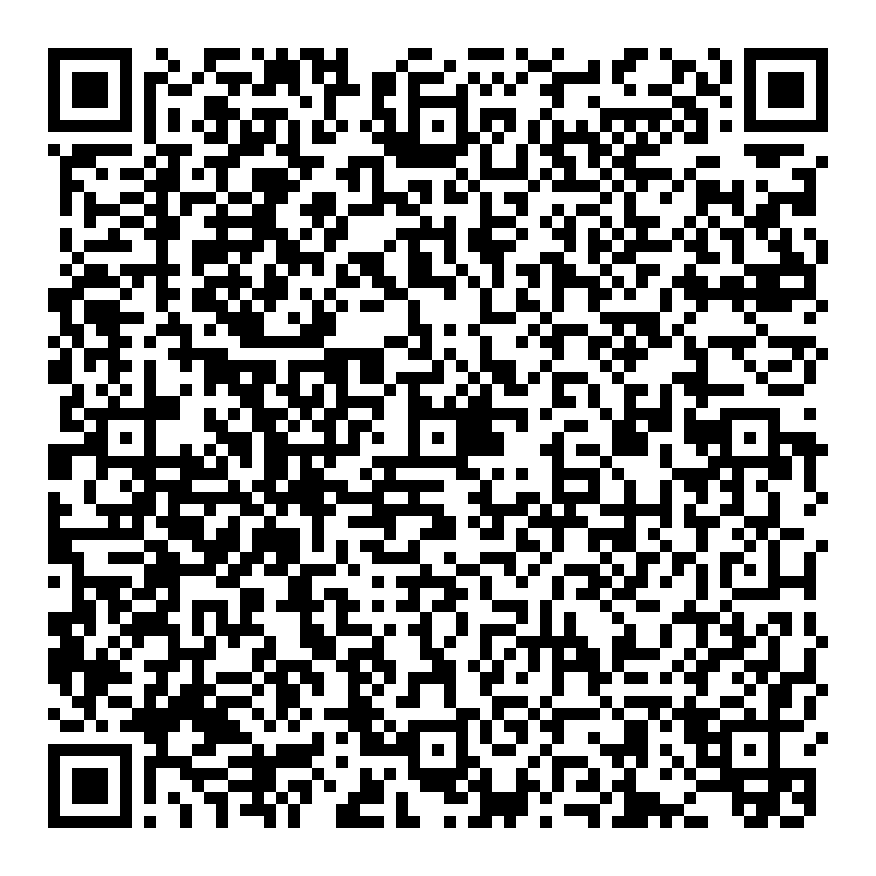
Two ways to pay an invoice. Scan our LankaQR code with the app of any bank in Sri Lanka, free of charge to you, or ask for a Dialog Pay link and pay by Visa, Mastercard or American Express.

Seylan Pay · LankaQR
Scan with any bank app
Open your bank or wallet app
Choose Scan, Scan & Pay or LankaQR. Your own bank's app works; you do not need a Seylan account.
Scan the code and check the payee
It must be KTRONICS (PRIVATE) LIMITED, Kelaniya. Apps may show it cut short as "KTRONICS (PRIVATE) LIMITE", because a QR code holds only 25 characters of a name.
Type the amount on your invoice
The code carries no amount, so your app asks for it. If it asks for a reference, enter your invoice or quotation number. If it offers a tip, leave it empty.
Send us the confirmation
A screenshot on WhatsApp is enough, so we can match the payment to your invoice.
Reading this on the phone you pay with? Save the QR image, then look in your app's scanner for an option to pick a photo from your gallery. If it has none, open this page on a computer or another phone and scan the screen.
Dialog Pay · card
Pay by Visa, Mastercard or American Express
Ask us for a payment link
Send your invoice or quotation number and the amount on WhatsApp. We send back a Dialog Pay link for that amount.
Open the link and pay by card
It opens Dialog Pay's payment page, where you enter your Visa, Mastercard or American Express card. Your bank may ask you to confirm with a one-time code.
Have the SeylanPay app? It can also pay the LankaQR code above from a Visa or Mastercard card, a Seylan card or one from another bank, without waiting for a link.
Paying from abroad
Foreign wallets can pay the LankaQR code too:
- From India: Google Pay, PhonePe and other UPI apps that can pay abroad. The app asks for the amount in Sri Lankan rupees and converts it.
- Alipay+ wallets: Alipay, AlipayHK, Touch 'n Go, GCash, TrueMoney, Toss and the other wallets in the Alipay+ network.
- WeChat Pay and UnionPay apps.
A bank or wallet abroad may charge you for the currency conversion. That charge is theirs; we add nothing.
Check who you are paying
Before you confirm, your app shows the payee. It must be KTRONICS (PRIVATE) LIMITED in Kelaniya. If a QR code or account number you were sent names anyone else, do not pay it. Only pay a card link you asked us for. If in doubt, call us on +94 772 360 819 first.
Paying by LankaQR
Free for you
The Central Bank allows no charge on the person paying by LankaQR, and we add no surcharge.
Up to LKR 500,000 per payment
That is the Central Bank's limit for one QR payment. For a larger amount, pay by card or message us first and we will arrange how to pay.
Confirmed at once
Your bank notifies you as the payment goes through, and we are notified at the same moment.
Any LankaQR app can pay it, for example SeylanPay, Q+, SOLO, SmartPay, PeoplesPay, NDB Neos, NSB Pay, Dialog Pay, FriMi or eZ Cash: LankaPay's full list. The rules above are set by the Central Bank of Sri Lanka's LankaQR circular.
Paid? Send us the confirmation
Your invoice or quotation number and the amount are all we need to match it.